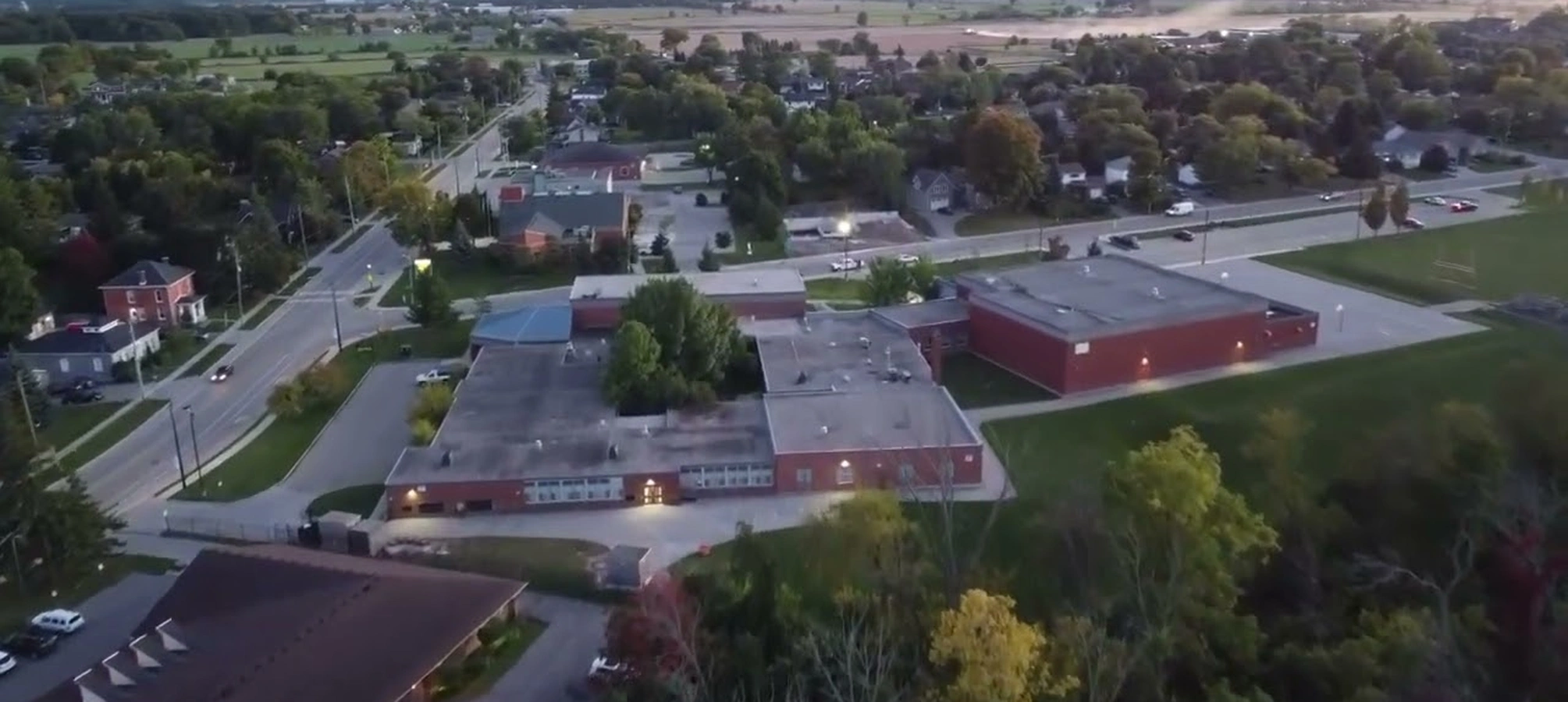
Acer Laptop Screen Restoration Tailored for Smithville's Everyday Users
In Smithville's close-knit neighborhoods, where residents balance remote work, family tasks, and local events, a damaged Acer laptop screen can disrupt daily flows like virtual meetings or digital planning. JTG Systems, your trusted repair center in Welland, leverages more than 20 years of specialized knowledge to revive these devices efficiently, supported by our no-fix-no-fee guarantee, 90-day coverage, and over 1,100 five-star endorsements from Niagara clients.
Understanding Acer Display Systems: Build Quality and Troubleshooting Essentials
Acer laptops incorporate advanced LCD panels with LED illumination in lightweight frames, ideal for on-the-go use across Niagara's varied landscapes, from city commutes to rural drives. These displays depend on intricate links involving the mainboard, power converters, and flexible wiring, which may degrade from routine handling or regional weather shifts.
Key Indicators and Breakdown Patterns in Acer Devices
- Fractured Glass Layers: Drops during transport create breaks, necessitating complete panel exchanges for sharp imagery and full functionality.
- Intermittent Illumination or Faded Brightness: Converter malfunctions or voltage irregularities lead to unstable lighting, detected through electrical checks to isolate power issues.
- Defective Pixels and Hue Irregularities: Specific spot failures or color shifts signal panel wear, evaluated with diagnostic programs for precise interventions.
- Total Blackout Conditions: Absence of visuals with active power suggests wiring faults or graphics connections, examined using testing devices and alternate screens.
- Malfunctioning Touch Interfaces: On Aspire variants, sensor impairments block interactions, verified via alignment procedures and interface analysis.
- Line Streaks Across the View: Degraded connections generate visible lines, addressed by reconnecting or swapping elements post-detailed reviews.
- Heat-Caused Distortions: Overheating bends bonding materials, resulting in separations; heat scans reveal and counteract potential problems.
- Driver-Related Visual Errors: System mismatches imitate physical faults, eliminated by startup checks and fresh installations prior to hardware work.
- Border Displacement Problems: Shock impacts loosen surrounds, corrected by reaffixing bonds and fortifying casings.
- Lid Movement Wire Fatigue: Repeated openings strain cabling, producing sporadic displays; tension assessments guide reinforcements and wire renewals.
- Moisture Intrusion Effects: Local humidity seeps into seals, causing corrosion; environmental tests confirm and seal vulnerabilities.
- Overheating GPU Link Failures: Intense graphics use stresses joints, probed with thermal probes for joint integrity.
- Brightness Control Anomalies: Sensor drifts alter levels, fixed by recalibrating hardware-software syncs.
- Resolution Mismatch Glitches: Post-impact shifts demand scaling adjustments alongside physical repairs.
- Backlight Bleed Patterns: Uneven diffusion from loose mounts, resolved with repositioning and adhesive reapplication.
Our experts utilize precision instruments such as signal analyzers to trace pathways, respecting Acer's adaptable structures that allow enhancements yet require careful manipulation for peak integration.
Why Niagara Residents Trust JTG Systems for Acer Display Fixes
Serving from Smithville's quiet lanes to Thorold's industrial zones, JTG Systems provides customized Acer solutions using durable originals suited to the area's variable moisture and temperatures.
- Original Equipment Parts: Factory-matched Acer panels ensure perfect alignment, steering clear of issues from aftermarket options.
- Established Expertise: Two decades of Niagara service, reflected in 1,100+ top-rated feedbacks for our detailed work.
- No-Obligation Diagnostics: Complimentary reviews regardless of repair feasibility, fostering trust in each visit.
- Robust Coverage: 90-day assurances on components and services, promoting long-term reliability.
- Accessible Scheduling: Walk-ins accepted Monday to Friday, 12PM to 6PM, at 577 Niagara Street, Welland.
- Region-Specific Guidance: Advice considering St. Catharines' wet conditions that affect screen durability.
- Local Partnerships: Ties with nearby vendors accelerate sourcing for broad Niagara support.
- Transparent Pricing: Upfront quotes without hidden fees, aligning with our fair practice commitment.
- Personalized Follow-Up: Tailored post-service checks to confirm optimal results.
- Eco-Conscious Disposal: Responsible handling of old parts per regional standards.
- Training for Longevity: Sessions on care to extend device life in local settings.
- Flexible Payment Options: Accommodating plans for community budgets.
Acer Display Service Process and Expected Durations
We organize workflows methodically, focusing on speed while upholding standards. Front-end evaluations outline needs and scope.
Immediate Fixes for Pressing Situations
Suited for straightforward adjustments like wire adjustments or light replacements in common Acer setups; completed same day from stock, fitting Smithville's dynamic schedules.
- Entry assessment and readiness: 15-30 minutes.
- Primary adjustments: Less than 60 minutes.
- Concluding verifications: Rapid functionality proofs.
- Client briefing: Quick overview of changes.
Next-Day Turnarounds for Routine Overhauls
Comprehensive panel renewals for affected Aspire or Predator units, with tuning; prompt procurement if required, plus status notifications for Thorold users.
- Component acquisition and initial steps: Managed first thing.
- Mounting and validation: Concluded by next afternoon.
- Progress notifications: SMS or calls as needed.
- Calibration fine-tuning: Ensures vivid outputs.
Lengthier Processes for Intricate Repairs
Uncommon scenarios with specialized frames or combined defects span 3-5 days, offering substitutes to sustain St. Catharines operations seamlessly.
- In-depth analysis: First 1-2 days.
- Rebuilding and endurance trials: Following 2-3 days.
- Interim support: Loan devices available.
- Final optimizations: Custom settings applied.
Case Study: Helping a Smithville Freelancer Overcome Acer Screen Challenges
Consider Mike, a freelance designer in Smithville, whose Acer Predator laptop developed erratic flickering lines while editing graphics for a local business pitch, threatening his deadline. He visited our Welland shop on a Thursday, and diagnostics revealed worn ribbon cables from frequent travel. By Friday, we fitted a compatible replacement, optimized color profiles for precise creative work, and shared transport safeguardsâallowing him to deliver his project on time and maintain his professional momentum.
Your Acer Laptop Screen Repair Experience at JTG Systems
We navigate each stage openly, emphasizing security in our client-centric approach.
- Arrival and Preliminary Check: Visit 577 Niagara Street; record your Acer details, perform surface scans, and review concerns free of charge.
- Data Preservation Protocol: Safely copy and encrypt information with protected methods before opening, protecting essential local files.
- Careful Teardown: Access internals softly to evaluate pivots, glues, and components for concealed wear.
- Part Integration: Fit matching panels using static-free techniques, confirming shade fidelity and input sensitivity.
- Extensive Validation: Replicate daily scenarios such as streaming and file handling to affirm robustness.
- Delivery and Instruction: Provide your enhanced laptop with care guidelines, guarantee info, and continued support.
- Post-Service Review: Outreach to verify contentment and address adjustments.
- Optional Upgrades: Suggest enhancements like protective layers during handover.
Maintenance Strategies to Protect Your Acer Laptop Display
Boost endurance with these adapted practices, considering Niagara's weather patterns.
- Install protective films to guard against particles and light bumps on Welland routes.
- Modulate light levels via Acer utilities to ease illumination wear.
- Refresh graphics software periodically from Acer sources for better reliability.
- Shelter from harsh weather; keep in stable conditions through Thorold seasons.
- Grip sides solely to avoid stressing delicate parts.
- Conduct twice-yearly wipes using soft fabrics to clear residues softly.
- Activate rest functions to limit component activation cycles.
- Monitor heat via built-in gauges to prevent excess warmth.
- Employ padded carriers for secure movement in St. Catharines outings.
- Avoid direct sun exposure to prevent thermal spikes.
- Secure lids gently to minimize cable pulls.
- Run diagnostic scans monthly for early detection.
- Opt for surge protectors in variable power areas.
- Keep firmware current for compatibility boosts.
Pairing these steps with our routine inspections sustains your Acer in Niagara's engaging surroundings.
Schedule Your Acer Display Repair with JTG Systems Today
Avoid setbacks from screen malfunctionsâcontact us now for dedicated Acer laptop display services spanning Smithville, Welland, Thorold, and St. Catharines. Dial (905) 892-4555 to reserve or drop in Monday-Friday 12PM-6PM at 577 Niagara Street, Welland, ON. Rely on our no-fix-no-fee commitment and area-focused dependability for superior results.
JTG Systems577 Niagara Street
Welland, Ontario
(905) 892-4555