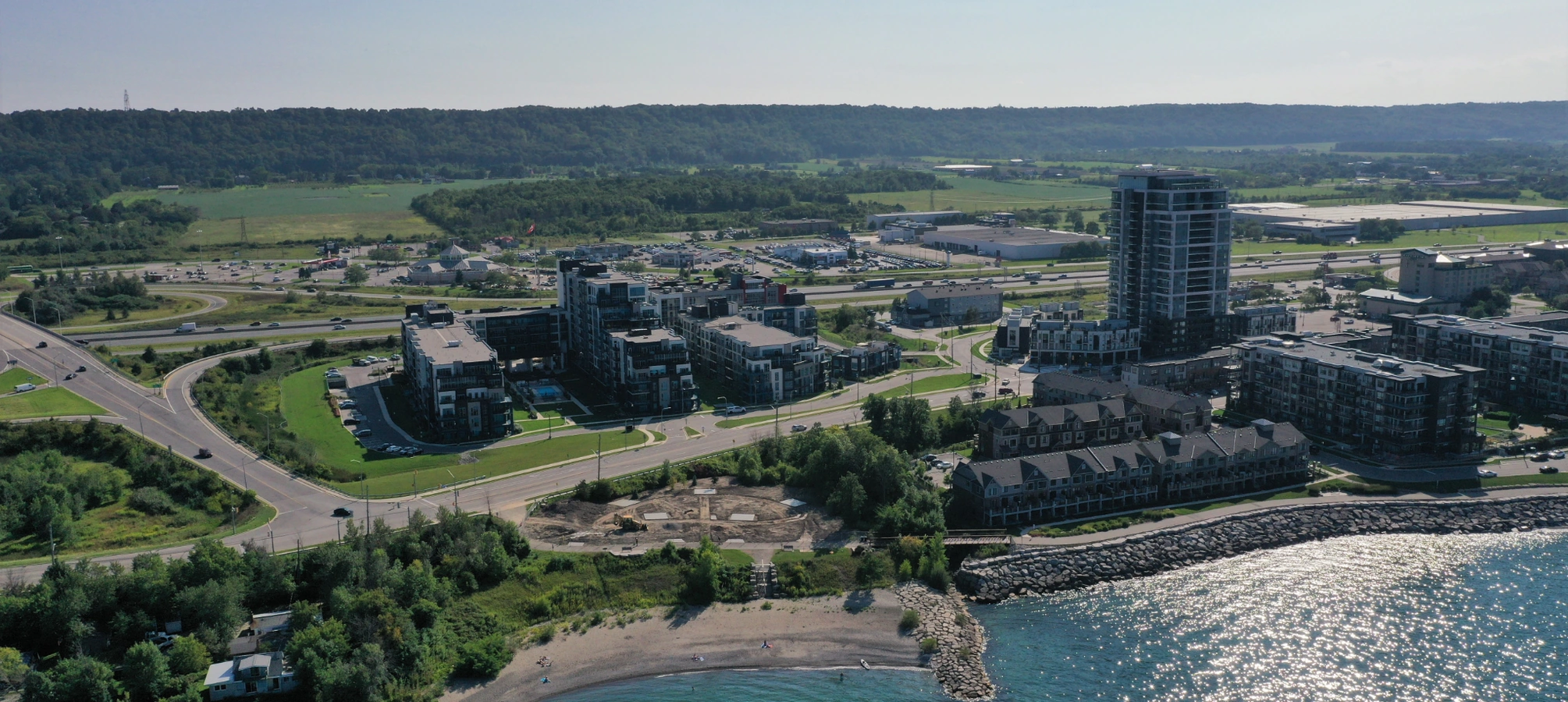
Empowering Grimsby Professionals with Reliable Acer Laptop Screen Repairs
Grimsby professionals and remote workers in the Niagara area depend on robust Acer laptops for seamless productivity, from managing client databases to designing visuals, yet a damaged display can disrupt essential workflows abruptly. At JTG Systems, located at 577 Niagara Street in Welland, we leverage more than 20 years of targeted repair expertise to revitalize these key tools, ensuring continuity for our neighboring communities.
Picture preparing client presentations in Grimsby, only to encounter distorted visuals or cracks on your Acer screenรขยยour no-fix-no-fee policy and 90-day warranty, bolstered by over 1,100 five-star reviews from local Niagara users, provide swift and trustworthy restoration.
Exploring Acer Laptop Display Technology and Key Diagnostic Approaches
Acer's mobile devices feature sophisticated LCD panels backed by LED backlighting, integrated with complex inverter circuits and fragile ribbon cables, engineered for portability yet vulnerable to the variable conditions of Niagara's climate shifts. Our trained technicians utilize precision tools to pinpoint issues effectively, minimizing device manipulation.
Diagnostics start with visual inspections and software scans to differentiate hardware faults from operational glitches, considering factors like frequent hinge usage common among commuters in St. Catharines.
Prevalent Signs and Vulnerability Zones in Acer Screens
- Cracked exteriors resulting from accidental drops, frequent in active areas like Welland's local events.
- Fluctuating backlights due to loose connections or inverter failures, aggravated by power fluctuations.
- Distorted colors or lines from damaged pixel matrices, frustrating for creative professionals in Grimsby.
- Dead spots appearing as black spots, signaling progressive matrix degradation.
- Unresponsive touch features in Aspire models, stemming from digitizer separation.
- Dimming output from worn CCFL lamps in older budget Acer series.
- Vertical lines from frayed flex cables, typical in the on-the-go habits of Niagara residents.
- Complete blackout despite system running, pointing to signal interruptions between motherboard and panel.
- Bleeding light at edges that lowers visibility, an issue in Thorold's bright outdoor settings.
- Dents from frame distortions, relevant to slim Acer Swift builds.
- Flickering images during motion, often linked to grounding problems in humid environments.
- Color shifts in IPS panels from calibration drift over time.
- Pressure marks causing rainbow effects, common after bag transport.
- Delayed response in high-refresh-rate screens like those in Predator lines.
- Overheating-related distortions in intensive gaming sessions.
These issues often stem from manufacturing tolerances or everyday handling, but our deep knowledge turns detailed assessments into efficient fixes, reducing downtime for regional users.
Why Grimsby Locals Trust JTG Systems for Acer Screen Solutions
As Niagara's go-to for Acer laptop display repairs, JTG Systems sources genuine compatible parts from trusted suppliers, avoiding inferior options that compromise performance. Our 20+ years of hands-on experience equip us to handle everything from Aspire to Predator series with precision.
- No-fix-no-fee guarantee: Payment only after full resolution, removing risk from the process.
- 90-day protection on all work, including parts and labor for lasting peace of mind.
- More than 1,100 five-star reviews from clients across Welland, Grimsby, and beyond, proving our consistent excellence.
- Walk-in friendly hours: Open Monday through Friday from 12PM to 6PM at 577 Niagara Street in Welland for immediate consultations.
- Local focus: Tailored to the fast-paced needs of Grimsby businesses and households.
- Transparent pricing: Detailed quotes provided upfront, adjusted to your specific Acer model.
- Expert team: Technicians skilled in Acer's evolving display tech, from TN to IPS panels.
- Community commitment: Supporting Niagara events and offering tips for local device care.
- Secure handling: ESD-safe environments to protect sensitive components during service.
- Custom solutions: Adaptations for unique setups like multi-monitor Acer configurations.
- Eco-friendly practices: Recycling old parts responsibly in line with Niagara standards.
- Follow-up support: Free advice post-repair to optimize your device's longevity.
Choosing JTG partners you with pros who treat your gear like their own, fostering trust across the region.
Acer Screen Repair Timeline and Process at JTG Systems
JTG Systems streamlines the repair path to fit your schedule, whether facing a tight deadline in Grimsby or planning downtime in Thorold. Timelines vary by complexity, with updates shared throughout.
Same-Day Fixes for Straightforward Problems
For minor adjustments like reconnecting cables or swapping basic panels on standard Acer models, we aim for completion within hours. Example: A quick backlight inverter replacement during afternoon drop-offs, so you leave with a fully functional unit.
24-48 Hour Turnaround for Standard Replacements
Typical panel installations, including bezel disassembly and reassembly, wrap up in one to two days. Steps include: Disassembly, part sourcing, rebuilding, and testingรขยยideal for issues like color bleeding needing precise alignment.
Extended Timeframes for Complex Diagnostics
Rare cases involving custom Acer configurations or multiple faults may take 3-5 days, including motherboard signal repairs. Loaner devices offered when needed, keeping St. Catharines professionals productive.
Stay informed with phone or in-person updates, responsive to Niagara's varied paces.
Spotlight: Resolving a Grimsby Designer's Acer Screen Challenge
Meet Sarah, a freelance graphic designer in Grimsby who relies on her Acer Swift for crafting logos and layouts. While rushing a project deadline, she bumped the laptop against her desk, shattering the screen and blurring her design software interface during a critical client review. Worried about delays, she stopped by our Welland shop mid-morning.
Our team swiftly assessed the fractured LCD and checked for internal cable integrity, confirming no further motherboard involvement. Within 24 hours, we installed a high-resolution compatible panel, calibrated colors for accurate rendering, and added a protective film at no extra cost. Sarah returned to her creative flow without missing a beat, praising our understanding of local freelancers' tight schedules. This story highlights how we turn regional disruptions into efficient recoveries.
Your Complete Guide to the Acer Repair Experience at JTG
From drop-off to handover, our protocol safeguards your data and device integrity, reflecting our dedication to Welland and Niagara clients.
- Intake Assessment: Drop off or walk in; we note your Acer specs, symptoms, and run initial tests while discussing your needs.
- Detailed Diagnosis: Non-invasive scans uncover root causes, like cable wear or panel defects, with photo documentation for transparency.
- Quote and Approval: Full estimate presented; approve to proceed, with built-in data encryption for security.
- Repair Execution: Careful disassembly, component swaps using anti-static protocols, and authenticity checks in our clean workspace.
- Quality Testing: Full system checks for brightness, responsiveness, and stress tests simulating daily use.
- Handover and Tips: Device returned with warranty details; personalized care instructions to prevent future issues.
- Post-Service Support: Follow-up calls ensure satisfaction, plus ongoing advice for peak Acer performance.
Proactive backups via encrypted methods keep your vital Niagara-based files safe throughout.
Pro Tips to Maintain Your Acer Laptop Display Longevity
Niagara's humid summers and chilly winters uniquely stress Acer screens. Follow these expert strategies to avoid common pitfalls and keep visuals crisp.
- Use cushioned sleeves for travel between Grimsby and St. Catharines to buffer against vibrations.
- Adjust brightness via Acer's function keys to minimize backlight strain over time.
- Clean with microfiber cloths only, avoiding chemicals that degrade anti-glare coatings.
- Update graphics drivers quarterly through Acer's utility for consistent image quality.
- Gently operate the lid; forceful closes accelerate hinge and cable wear in Nitro models.
- Install screen guards for outdoor use in Thorold, shielding from UV damage.
- Schedule bi-annual checkups at JTG to catch subtle issues like intermittent flickers.
- Avoid extreme temperaturesรขยยstore at room conditions to prevent delamination.
- Enable power-saving modes to extend component life and reduce heat buildup.
- Backup visuals regularly; sync with cloud services for Welland-based remote setups.
- Calibrate colors periodically for professionals relying on accurate displays.
- Limit direct sunlight exposure to preserve panel integrity during commutes.
- Inspect hinges monthly for looseness, especially in high-use Aspire units.
- Use surge protectors to guard against voltage spikes affecting inverters.
- Opt for matte finishes in bright Niagara workspaces to cut reflections.
Drawn from our years of service, these habits extend your Acer's reliable performance.
Act Now to Restore Your Acer Display: Contact JTG Systems
Don't let screen troubles halt your progress in Grimsby or surrounding areas. Call (905) 892-4555 for expert Acer laptop screen replacement, or stop by Monday-Friday 12PM-6PM at 577 Niagara Street in Welland. With no-fix-no-fee and 90-day warranty, JTG Systems delivers top-tier results for Welland, Thorold, St. Catharines, and all Niagara. Your clear view awaits.
JTG Systems577 Niagara Street
Welland, Ontario
(905) 892-4555