
Niagara Desktop Repair: Bolstering Community Productivity
In the heart of Niagara's dynamic neighborhoods, from Welland's bustling streets to Thorold's innovative spaces, desktops serve as vital tools for households managing daily finances and small businesses streamlining operations. For these everyday users, a sudden glitch can disrupt workflows and family routines, making swift, dependable repairs essential. At JTG Systems, located at WE HAVE MOVED - PLEASE CALL!! in Welland, Ontario, our over two decades of hands-on experience deliver customized solutions that resonate with local needs, backed by a no-fix-no-fee policy, 90-day warranty, and more than 1,100 five-star reviews.
Core Desktop Architecture and Advanced Diagnostic Approaches
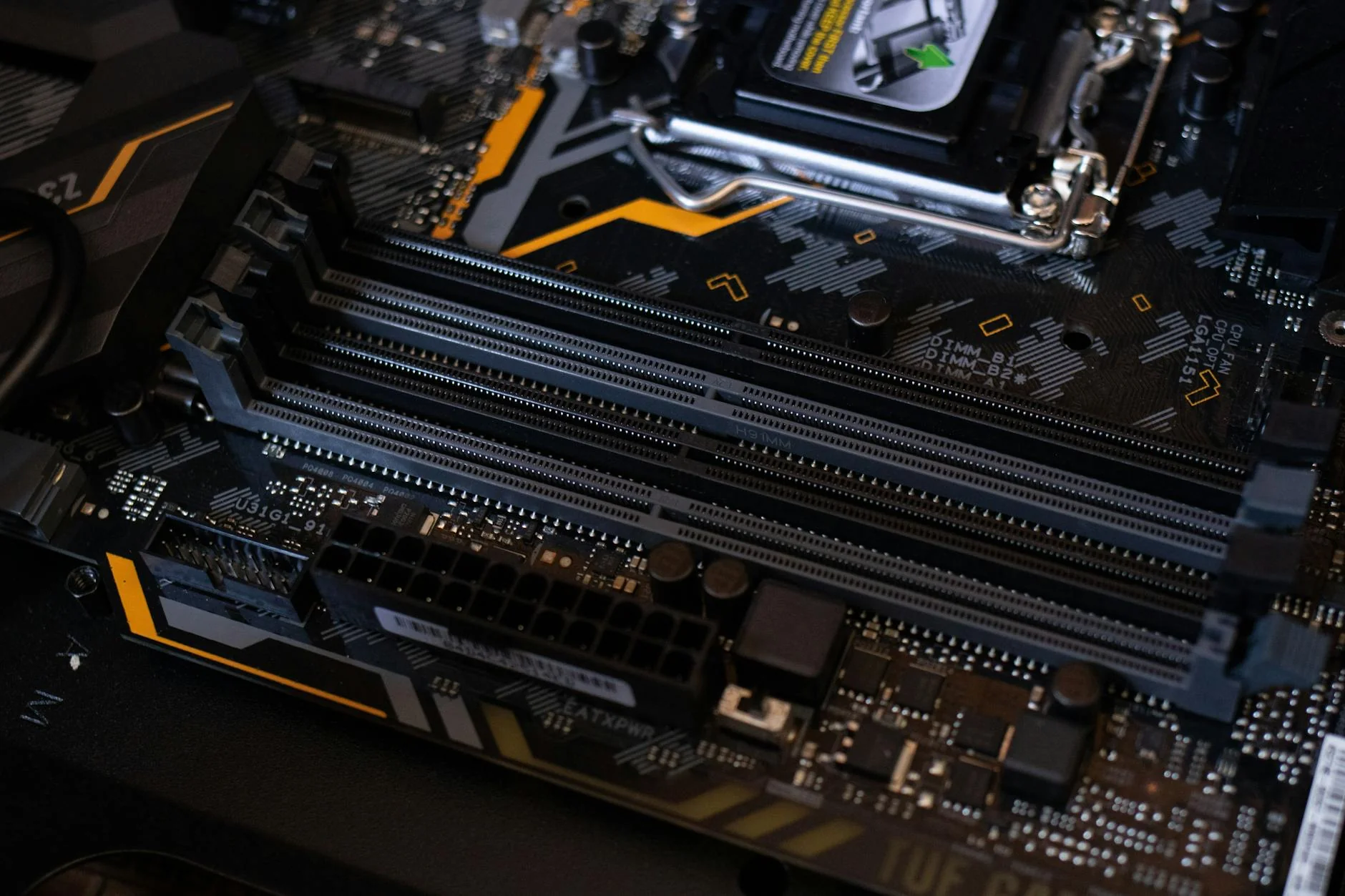
Desktop systems feature robust tower designs that accommodate modular components like CPUs, RAM modules, and expansion slots, providing flexibility for upgrades but exposing them to Niagara's variable climate, including humidity fluctuations and voltage surges from regional power grids. Our technicians at JTG Systems employ precision instruments, such as multimeters for electrical testing and diagnostic software for performance benchmarking, to identify root causes efficiently, drawing on patterns observed in local environments to prevent recurring issues.
Typical Symptoms and Failure Mechanisms in Area Desktops
- Sudden system crashes linked to faulty power supply units
- Complete freezes attributed to worn-out motherboards
- Blurred or missing images due to graphics card malfunctions
- Visual distortions from damaged display cables
- Performance lags during intensive tasks from GPU overload
- Failure to start with blank screens
- Unexpected shutdowns caused by overheating and dust accumulation
- Corrosion on boards from moisture or spills
- Unresponsive keyboards or mice
- Replacements for cracked or dim monitors
- Touchpad or mouse dead spots from controller errors
- Slow boot times from hard drive constraints
- Worn ports from frequent plugging
- Dimmed screens resulting in poor visibility
- Fan failures leading to temperature rises
- Case damage from drops or impacts
- Mouse connection interruptions
- OS crashes requiring clean installs
- Battery backup failures in UPS units
- Cracks in chassis structures
- Port damages affecting USB, Ethernet, or audio
- Weak Wi-Fi signals in crowded areas
- RAM slot corrosion causing memory faults
- CPU thermal spikes from paste degradation