
Trusted Desktop Repair Services Tailored for Port Colborne Residents
Port Colborne locals, from canal operators to home-based entrepreneurs, depend on robust desktops for everything from inventory tracking to personal projects in the region's variable climate. At JTG Systems, located at WE HAVE MOVED - PLEASE CALL!! in Welland, we deliver more than 20 years of hands-on expertise to Niagara families and small businesses, ensuring seamless recovery from tech glitches with our no-fix-no-fee policy and 90-day warranty backing every fix.
Understanding Desktop System Designs and Key Diagnostic Approaches
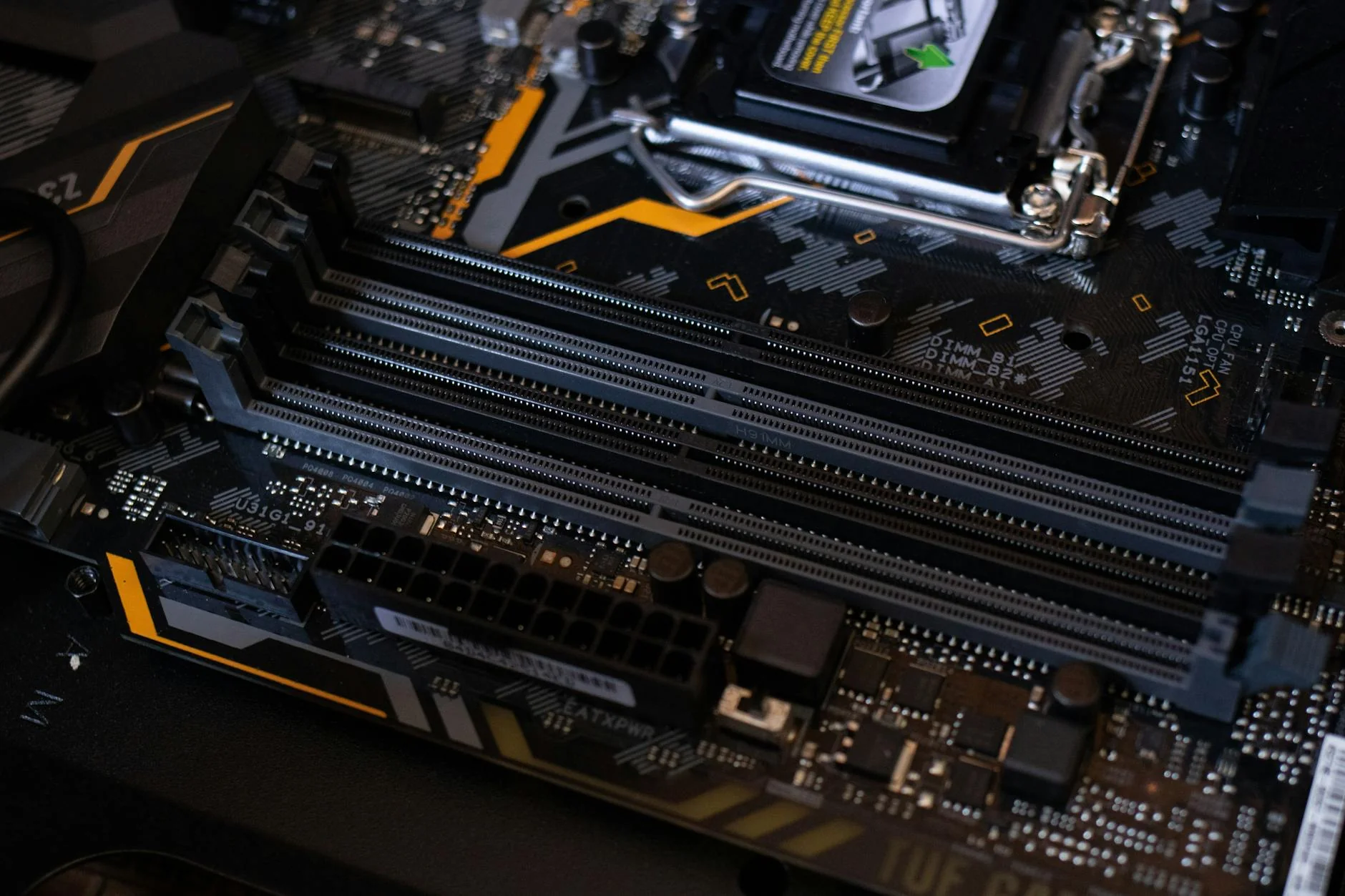
Desktop computers feature modular towers that accommodate powerful CPUs, expansive RAM slots, and robust cooling systems, making them ideal for heavy local use but susceptible to environmental factors like humidity near Lake Erie. Our team at JTG Systems uses sophisticated tools such as multimeters for voltage checks and stress-testing software to pinpoint issues efficiently, drawing on deep knowledge of multi-brand architectures.
Typical Warning Signs and Vulnerability Zones in Area Desktop Setups
- Abrupt power-offs from faulty power supplies or damaged motherboards due to surges in older wiring common in historic homes.
- Boot failures caused by improperly seated RAM or corrupted BIOS in systems running demanding applications.
- Performance slowdowns from blocked vents or worn thermal paste in compact enclosures exposed to dust.
- Grinding noises or stuck drives in older HDDs holding irreplaceable family photos or business data.
- Screen flickers from mismatched graphics outputs on external monitors connected via HDMI or VGA.
- Sporadic freezes tied to outdated GPUs struggling with modern graphic-intensive tasks.
- Rust on circuit boards from spills during rainy seasons typical in lakeside areas.
- Dead USB ports from worn-out controllers in high-use professional stations.
- Repeated reboots from failing optical drives or malware-infected OS installs.
- Slow response times due to fragmented storage or viruses entering via unsecured networks.
- Network dropouts from loose Ethernet cards in fixed office environments.
- Expansion slot issues blocking add-on cards for performance boosts.
- Leaking capacitors in PSUs causing erratic power flow.
- BIOS errors leading to device incompatibilities.
- Worn fan bearings creating noise during extended sessions.
- Sensor glitches in peripherals reducing input accuracy.
- PCIe slot wear affecting rapid data movement.
- Damaged SATA cables causing drive detection problems.